OpenStack 구성요소 - NTP chrony 설치
2023. 11. 17. 19:40ㆍOpenStack
안녕하세요 #카트로 입니다.
OpenStack 구성요소인 NTP - Chrony 설치 방법을 알아 볼게요
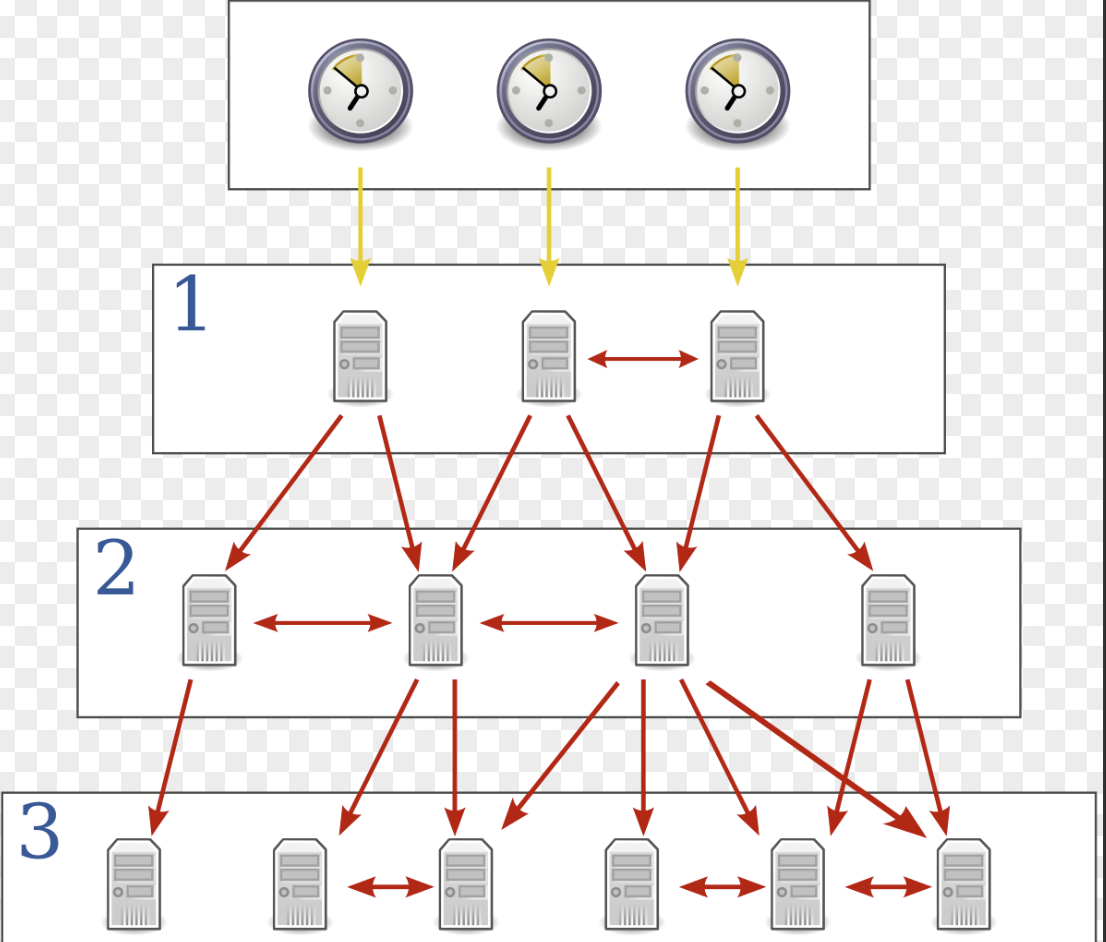
- Chrony 설치
$ sudo apt install chrony
Reading package lists... Done
Building dependency tree... Done
Reading state information... Done
The following packages will be REMOVED:
  systemd-timesyncd
The following NEW packages will be installed:
  chrony
0 upgraded, 1 newly installed, 1 to remove and 13 not upgraded.
Need to get 290 kB of archives.
After this operation, 361 kB of additional disk space will be used.
Do you want to continue? [Y/n] y
Get:1 http://kr.archive.ubuntu.com/ubuntu jammy/main amd64 chrony amd64 4.2-2ubuntu2 [290 kB]
Fetched 290 kB in 2s (171 kB/s)
(Reading database ... 78965 files and directories currently installed.)
Removing systemd-timesyncd (249.11-0ubuntu3.11) ...
Selecting previously unselected package chrony.
(Reading database ... 78951 files and directories currently installed.)
Preparing to unpack .../chrony_4.2-2ubuntu2_amd64.deb ...
Unpacking chrony (4.2-2ubuntu2) ...
Setting up chrony (4.2-2ubuntu2) ...

Creating config file /etc/chrony/chrony.conf with new version

Creating config file /etc/chrony/chrony.keys with new version
dpkg-statoverride: warning: --update given but /var/log/chrony does not exist
Created symlink /etc/systemd/system/chronyd.service → /lib/systemd/system/chrony.service.
Created symlink /etc/systemd/system/multi-user.target.wants/chrony.service → /lib/systemd/system/chrony.service.
Processing triggers for dbus (1.12.20-2ubuntu4.1) ...
Processing triggers for man-db (2.10.2-1) ...
Scanning processes...
Scanning candidates...
Scanning linux images...

Running kernel seems to be up-to-date.

Restarting services...
Service restarts being deferred:
 /etc/needrestart/restart.d/dbus.service
 systemctl restart networkd-dispatcher.service
 systemctl restart systemd-logind.service
 systemctl restart unattended-upgrades.service
 systemctl restart user@1000.service

No containers need to be restarted.

No user sessions are running outdated binaries.

No VM guests are running outdated hypervisor (qemu) binaries on this host.
- NTP 서버 설정
$ sudo vi /etc/chrony/chrony.conf
# 필요에 따라 설정값을 변경한다.


# ntp 외부 서버 설정
pool ntp.ubuntu.com        iburst maxsources 4
pool 0.ubuntu.pool.ntp.org iburst maxsources 1
pool 1.ubuntu.pool.ntp.org iburst maxsources 1
pool 2.ubuntu.pool.ntp.org iburst maxsources 2


# 다른 노드들이 접근 할수 있도록 아래 문구 추가
allow 192.168.0.0/24
- NTP 클리이언트 설정
$ sudo vi /etc/chrony/chrony.conf
# 필요에 따라 설정값을 변경한다.


# ntp 서버 설정
servce 192.168.0.179
- NTP 서버 상태 확인 & 재시작
# 서비스 확인
$ service chrony status
● chrony.service - chrony, an NTP client/server
     Loaded: loaded (/lib/systemd/system/chrony.service; enabled; vendor preset: enabled)
     Active: active (running) since Fri 2023-11-17 10:32:16 UTC; 6s ago


# 서비스 재시작
$ service chrony restart
- Chrony 즉시 동기화
# 즉시 동기화
$ sudo chronyc -a makestep
200 OK
- Chrony 동기화 확인
$ chronyc sources
^* controller                    3   7   377    12    -17us[  -20us] +/-   24ms
'OpenStack' 카테고리의 다른 글
| Ubuntu 20.04 DevStack 설치 가이드 (1) | 2023.11.22 |
|---|---|
| OpenStack [Zed] - Identity Service : keystone install (0) | 2023.11.18 |
| OpenStack 패키지 Archive 활성화 (0) | 2023.11.17 |
| OpenStack Zed Install Guide - Controller (1) | 2023.11.17 |